Your site
A site that looks like a renovator's
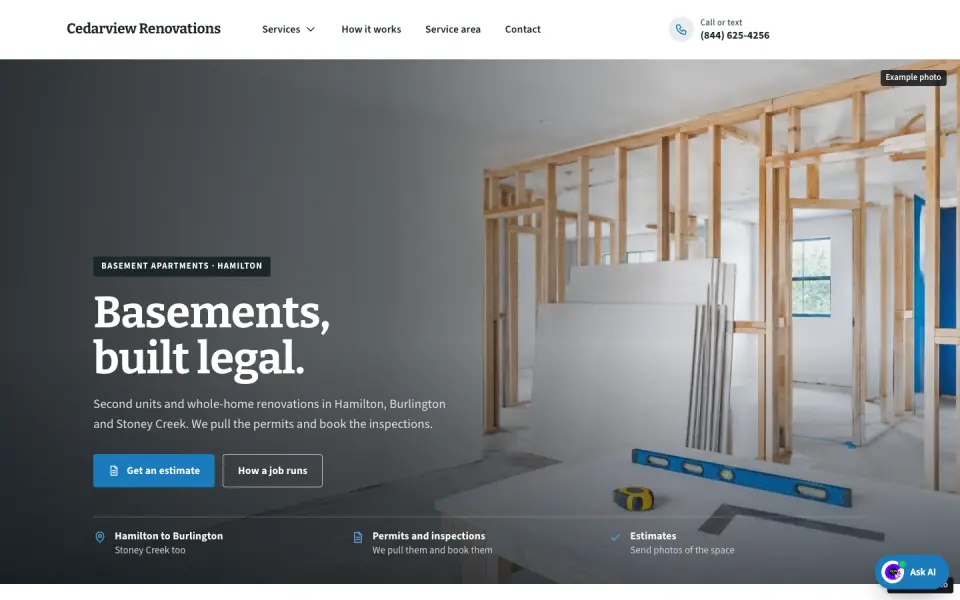
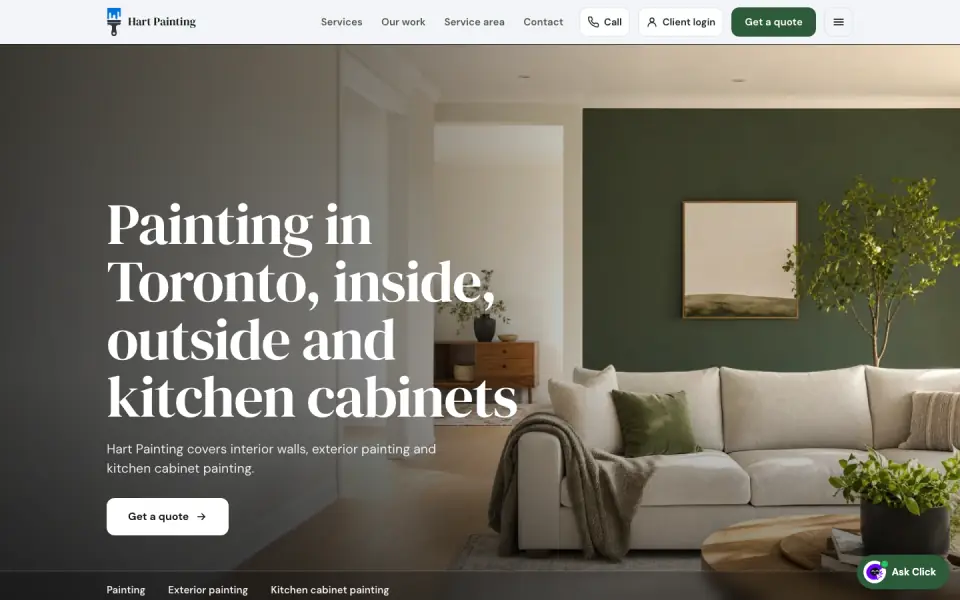
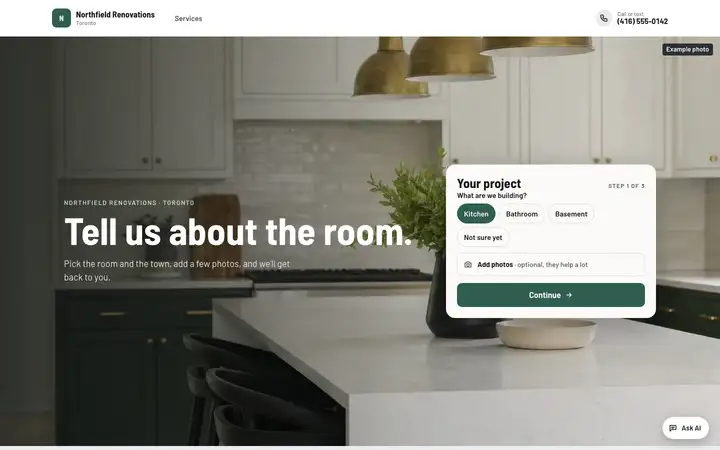
A page per service, prices on the page, and a quote form where homeowners add photos. Your work goes in; point at anything to change it.


Renovator looks on /startChange anything by saying it
For contractors
Renovations · Basements · Kitchens · Bathrooms · Roofing
Your calls answered as your business, quotes sent at your listed price, then signed and paid for on the client's phone.
Pro free for 14 days. No card.
Renovator looks on /startEstimate, portfolio, before and after, rooms
What you get
One sign-up gives you the site, the tools a renovation business needs, Click on your phone line and a desk that shows what needs you.
Your site
A page per service, prices on the page, and a quote form where homeowners add photos. Your work goes in; point at anything to change it.
Renovator looks on /startChange anything by saying it
Set up for a contractor
Clickpad reads your business and turns on what fits. Nothing that charges or texts on its own starts without your tap.
On from day one
Waits for your tap
Offered if it fits
Click asks one question: “Do most jobs run longer than a week?”
Click on calls, texts and chat

 answers as your business
On your line, by text and in your site's chat. It sends quotes at your listed price, books site visits into your open times and hands a caller to you when they ask.
Homeowner, on your siteDo you do basement bathrooms?
ClickYes. Basement bathrooms start from the price on our list. Want a site visit this week?
Your desk in the app
The app opens on today: quotes waiting on a signature, deposits to chase, jobs that need your word.
TodayMon
How your contractor benefits
TodayThey go to voicemail and the lead calls the next contractor.
With ClickpadAnswered as your business, with a recap of every call in your texts and emergencies texted to you at once.
TodayEvenings spent writing them up, then waiting to hear back.
With ClickpadA quote goes out at your listed price, and the client signs it on their phone with a texted code.You set the price; Click never invents one.
TodayA signature on paper, a cheque in a week.
With ClickpadA deposit invoice follows the signed quote, and card or e-Transfer payments are marked paid in your client list.Deposits and card payments turn on with your tap.
TodayYou mean to ask for one after every job.
With ClickpadClick asks the client for a review when the job is done.Review asks go out on your tap.
A day with Click
on the line.An example day at a contractor Click built. Times and names are illustrative; every step is something Clickpad does today.
Sites Click built
has built. Open one.Open any of them, call their line, ask the chat a price. They run on the same Clickpad you'd get.
A page per service, prices on the page, and a quote form where homeowners add photos.
Open the siteBasement and main-floor work, with the quote form on every page.
Open the siteInterior and exterior painting with prices per room, booked by site visit.
Open the sitePrice
Essential
US$79 / month
Get online and let Click answer.
Pro 14 days free
US$149 / month
Everything in Essential, plus getting paid.
Custom site
US$399 once, from
A site designed and built for your contractor, on Essential or Pro.
Questions
do without asking me?It answers calls, texts and your site's chat, sends quotes at your listed price and books site visits into your open times. Anything that charges a card or sends messages on its own waits for your tap, and every change has an Undo.
US, Canadian and UK numbers. Homeowners can call the shared line with your code, or you add a number of your own for US$19 a month. Calls that ask for a person ring your cell.
Yes. They sign on their phone with a finger and a code we text them. The signed copy is kept with the job.
A deposit invoice follows the signed quote. Clients pay by card, e-Transfer, cheque or cash, and it's marked paid in your client list.
It helps people nearby find you. Click makes a page for each service and each town you work in, and you change any of them by pointing and saying what to change.
Pro is free for 14 days with no card. After that you pick Essential or Pro, or pause: your site stays up, and customer AI rests until you pay.
builds the site.Pick a renovator's look, hear it answer your line, then decide. Pro is free for 14 days, no card.
A Day on the Job
Five moments in a normal day, and what Clickpad does in each one.
A text at 7 am from Click: two new quote requests from your site, and what's on today.
A homeowner calls (844) 625-4256 and your code. Your business answers and a recap lands in your texts.
You text Click “Quote the Millers for the basement bathroom.” It goes out at your listed $18,500, in your name.
The client signs with a finger and a code texted to them. The contract is kept with the job.
The deposit invoice follows and the client pays by card. It's marked paid in your client list.